
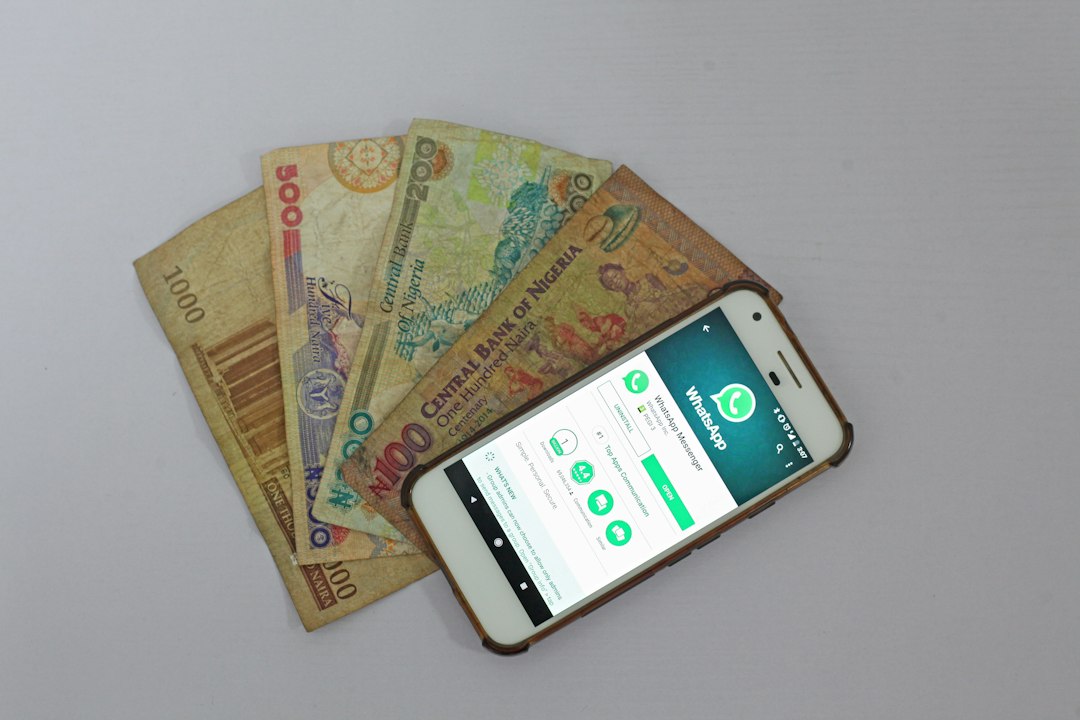
STK Push — SIM Toolkit Push — is the mechanism behind every "Enter M-Pesa PIN" prompt your customers see. It is the fastest, most reliable way to accept M-Pesa payments online.
But most tutorials gloss over the hard parts: what happens when the customer times out, when Safaricom has an outage, or when a payment succeeds but your app doesn't hear about it.
This guide covers the full lifecycle of an STK Push payment, including the parts that actually matter in production.
How STK Push works
The flow has five steps:
- Customer enters phone number at checkout
- Your server calls Daraja API with the phone number and amount
- Safaricom sends an STK prompt to the phone
- Customer enters their M-Pesa PIN
- Your server receives a callback with success or failure
The whole thing takes 5-15 seconds when it works. When it fails, it fails in one of a handful of predictable ways.
The failure modes
Most tutorials only cover the success case. Here is what actually happens in production:
- Timeout — customer doesn't enter PIN within 60 seconds. Safaricom reports this. Your app needs to show "payment cancelled" not "payment failed."
- Wrong PIN — customer enters wrong PIN. Safaricom reports this. You should prompt them to try again.
- Insufficient funds — customer's M-Pesa balance is too low. Safaricom reports this. Distinct from a technical failure.
- Callback never arrives — Safaricom's callback fails or gets lost. Your app must poll the query API after 90 seconds to check final state.
- Duplicate callback — Safaricom sometimes sends the same callback twice. Your app must be idempotent.
Reconciliation is the hard part
Every STK Push success is easy to record. The problem is matching payments to orders when things go wrong.
A well-built integration associates every STK Push with an order ID before the payment starts. When the callback arrives, the order is updated automatically. If the callback never arrives, a scheduled job checks the query API after 5 minutes.
This is why we built CoreStack's M-Pesa integration with automatic reconciliation from the start. Every payment, refund, and failure matches to an order without human intervention.
What to look for in an M-Pesa integration
- Test environment — full sandbox that simulates all failure modes
- Idempotent callbacks — duplicate callbacks do not break the ledger
- Automatic reconciliation — no manual "mark as paid" step
- Full audit trail — every request, response, and callback logged
- Retry on timeout — if callback does not arrive, poll query API
The bottom line
STK Push itself is straightforward. The complexity is in handling edge cases, reconciling payments, and keeping the audit trail clean. If you are building this yourself, budget for the failure modes, not the success path.
Or skip the complexity: use CoreStack's M-Pesa integration — deployed in days, with a full sandbox and automatic reconciliation.